Where ‘the Cloud’ Really Is: Data Centers Explained
The cloud is not in the sky. It is rooms full of computers in buildings around the world, and someone else owns them.

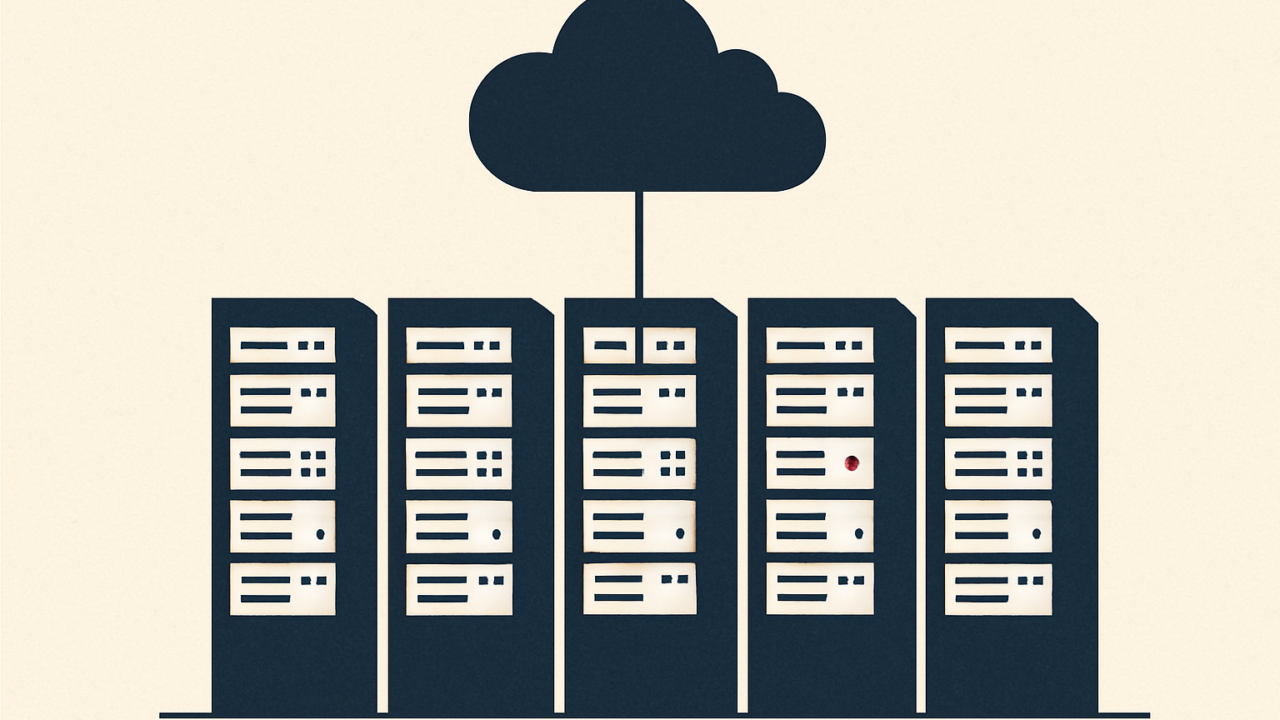
We say a photo is saved “in the cloud,” or that an app “runs in the cloud,” as if the data has floated free of any physical place. It has not. The cloud is a metaphor, and a slightly misleading one. Behind it sits very real hardware in very real buildings.
Strip away the marketing and the definition is plain. Cloud computing means using computers, storage, and software that someone else owns and operates, accessed over the internet, instead of running everything on hardware you own yourself.
It is just someone else’s computers
When you store files in a cloud service, those files land on physical hard drives and solid-state drives in a building called a data center. When you use a web app, the code runs on servers in one of those buildings. You reach all of it over the internet, which is why it feels placeless. The placelessness is an illusion of distance, not an absence of place.
The shift that made this normal is mostly economic. Instead of buying and maintaining your own servers, you rent capacity from a provider and pay for what you use. The provider handles the hardware, the power, the cooling, and the upkeep. For individuals it means storage and services without owning equipment. For companies it means scaling up or down without building a server room.
What you rent varies. Some services hand you raw computing power and storage to build on. Others deliver a ready-made application you simply log into, such as web-based email or a file-syncing service. The photo backups and streaming apps most people use every day all sit somewhere on this spectrum, which is why the cloud feels less like a technology and more like a default.
What a data center actually is
A data center is a purpose-built facility for housing computing equipment at scale. Inside, servers are mounted in tall metal frames called racks, lined up in long rows. A single large facility can hold many thousands of servers.
Three things dominate the design, and all three are about keeping the machines running without interruption:
- Power. Servers need a constant, reliable electricity supply. Data centers include backup systems, typically batteries for instant cover and generators for longer outages, so a grid failure does not take everything offline.
- Cooling. Densely packed computers generate large amounts of heat, and overheating causes failure. A significant share of a data center’s energy goes not to computing but to removing the heat that computing produces.
- Connectivity. High-capacity network links carry data in and out. Redundant connections mean that if one path fails, traffic reroutes rather than stopping.
Your data does live somewhere specific. It sits on physical drives, in a known building, in an actual country, subject to that country’s laws.
Why the location still matters
Because the cloud is physical, geography has real consequences, even though you rarely see them.
Speed. Data travels fast but not instantly. A server physically closer to you generally responds quicker. This is why providers operate data centers in many parts of the world and why large services copy popular content to locations near their users, an approach known as a content delivery network.
Law and jurisdiction. The country where a data center sits governs the data inside it. Rules on privacy, government access, and where certain data is allowed to be stored differ from place to place, which is why providers let customers choose a region and why some organizations are required to keep data within specific borders.
Resilience. Physical facilities can fail, from power loss to fire to natural disaster. Serious providers guard against this by spreading systems across multiple independent locations, so that one site going dark does not take a service with it.
What this means for you
The takeaway is not that the cloud is bad. For most people and businesses it is more reliable and better protected than a drive on a desk, because professional data centers have power backups, redundancy, and security that an individual cannot match.
The takeaway is to keep the reality in view. A few things follow from it:
- Your files are entrusted to a company that holds them on hardware you do not control, so the provider’s security and policies genuinely matter.
- Keeping at least one copy of anything truly important under your own control is sensible, because access can be interrupted or accounts can be locked.
- Where data is stored can affect both performance and which laws apply, which is worth knowing for sensitive or regulated information.
The cloud is convenient precisely because it hides all of this. That is the point of the metaphor. But the photos, messages, and documents you keep there are sitting on real machines, in real buildings, that belong to someone else. Knowing that is the difference between using the cloud and simply trusting it.

Marcus Reed
Marcus Reed reports on technology for Tilias News — artificial intelligence, consumer products, platforms and the rules that govern them. He focuses on what new tools actually change for ordinary people.


